Signing into your HR software (I have an IRIS Identity account)
As part of our transition to IRIS Identity, the sign-in process for your HR software has changed slightly for users who access their accounts with a username and password.
If you already use another IRIS product, such as Staffology Payroll, you can sign in using your existing IRIS Identity account.
Sign-in steps
-
Go to your HR software sign-in page.
-
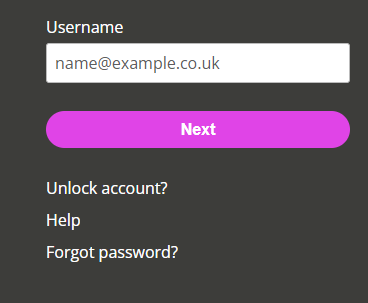
Enter your Username and select Next.
-
The IRIS Identity sign-in screen opens. Enter your password.
-
You may need to verify your account. Choose your preferred verification method and follow the instructions.
-
The system verifies your credentials and automatically signs you into your HR software.
Forgot password?
-
Return to your HR software sign-in page, select Forgot Password, follow the reset instructions, then restart the sign-in process.